$250K Moved Through One Polymarket Wallet While You Were Reading the Headlines. Here's How to Catch the Next One in 60 Seconds.
A whale on Polymarket is anyone holding more than $250K in open exposure on a single market, but raw size by itself is useless. A $250K bet from a fresh wallet on an obscure market is a 90/100 Insider Score signal. The same bet from a known market-maker is 10/100 noise.
The free method below catches the size signal in 60 seconds per market. The context signal — wallet history, category accuracy, news timing — is what WinPolymarket automates. Pre-beta opens July 2026 with a 5,000-player cap.
Follow Polymarket smart money before the public.
The 60-Second Whale-Spotting Routine
Here's the manual version you can run today on any Polymarket market using only public tools. No paid subscriptions, no APIs, just block-explorer-level data.
Step 0: Get on the WinPolymarket pre-beta
Before you start the manual workflow, claim your spot so the launch alert lands the day our automated tracker opens. The first 5,000 emails get in before the cap closes.
Step 1: Open the market on polymarket.com
Pick any market. Click into the detail view. Note the current YES/NO price and total volume.
Step 2: Click "Activity" or "Recent trades"
The native Polymarket UI shows recent trades sorted by time. Note the size of the largest trade in the last 24 hours.
Step 3: Apply the whale threshold
| Single trade size | Whale class | Look closer? |
|---|---|---|
| Under $5K | Retail noise | No |
| $5K - $50K | Active trader | Maybe — check wallet |
| $50K - $250K | Mid-whale | Yes — check wallet history |
| $250K+ | Whale | Yes — always investigate |
| $1M+ | Mega-whale | Front-page event |
Step 4: Click the wallet address
In the trade list, click the wallet that placed the largest trade. Polymarket's native user pages show position history, win/loss record, and category specialization.
Step 5: Apply the context filter (this is the hard part)
A whale-size trade is only signal if at least one of the following is true:
- The wallet has positive cumulative P&L (verifiable on the user page)
- The wallet has prior wins in this specific category
- The market is obscure (open interest under $500K)
- The wallet is fresh (no prior history but funded large)
- The trade happened in the 60 minutes before public news drop
Two or more of those? High signal. One? Watch. None? Probably noise.
Step 6: Check if other whales joined
Re-sort the trade list by size descending. Are there 2-3 other large trades in the same direction within 48 hours? That's a cluster pattern — the strongest signal on the platform.
That's the 60-second routine. Casual users see only Step 3. Sharps run all six. The gap is exactly what costs casual users money.
Why Raw Size Is The Worst Whale Signal
Most public whale-tracking tools alert on trade size only. PolyWhaler, @PolyWhaleWatch, and several Twitter bots ping you whenever a $10K+ trade hits. That generates noise, not signal.
Why size-only fails:
- A $50K trade from a market-maker is rebalancing, not directional conviction
- A $250K trade from a wallet with negative cumulative P&L is gambling, not edge
- A $1M trade on a $10M open-interest market barely moves the price — it's a passive position, not a thesis
- Most $10K+ "whale alerts" come from the same ~200 wallets that trade large sizes by default
The actionable signal is size adjusted for wallet context. That's a 4-input weighted score, not a single threshold. See Polymarket Whales: How Insiders Move Markets for the full Insider Score methodology.
Why This Matters for Smart-Money Trackers
The free method gets you 70% of the way to actionable whale-spotting. The last 30% — automated wallet history scoring, real-time cluster detection, news-event correlation — is too slow to run manually for more than a handful of markets.
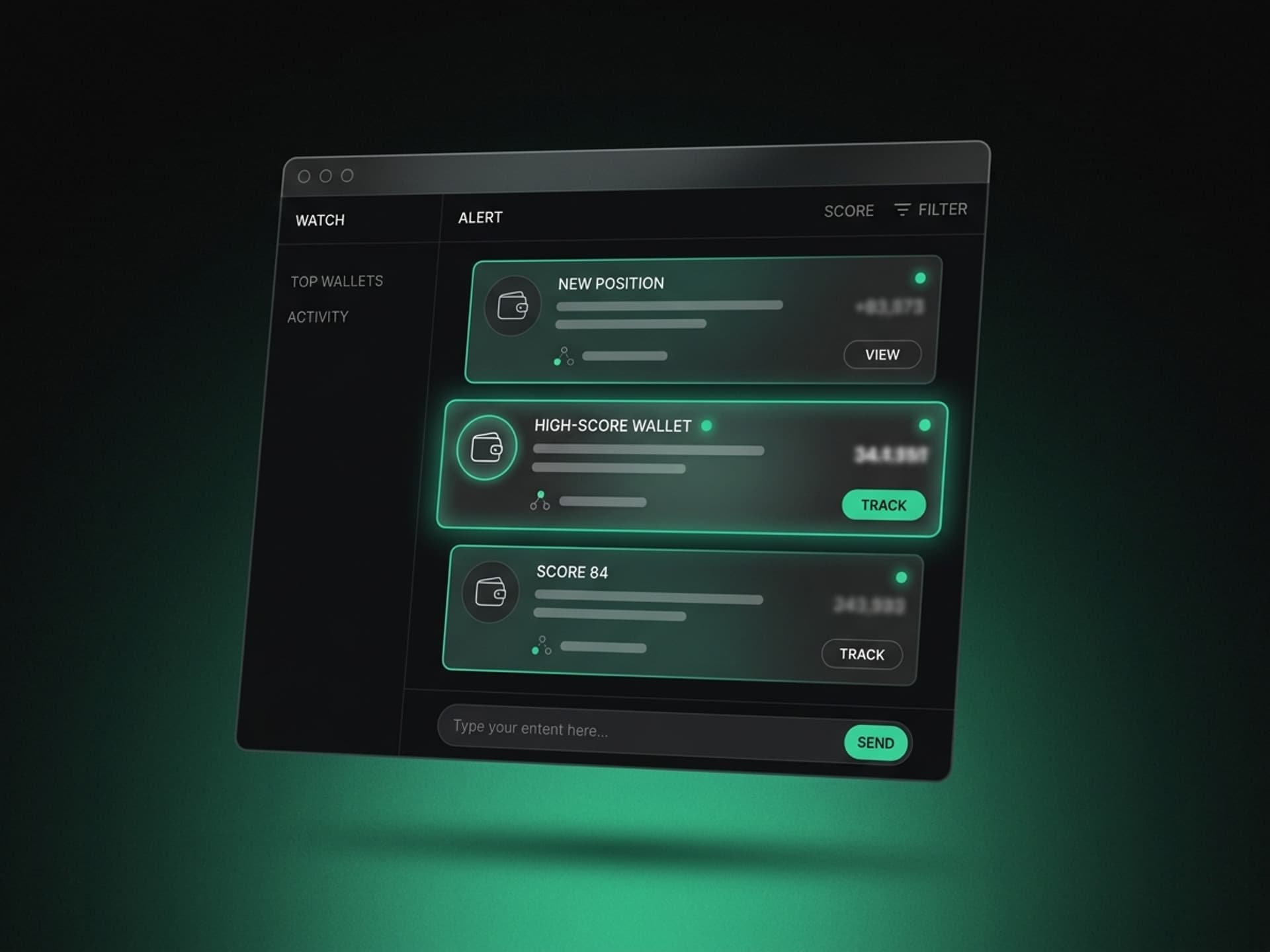
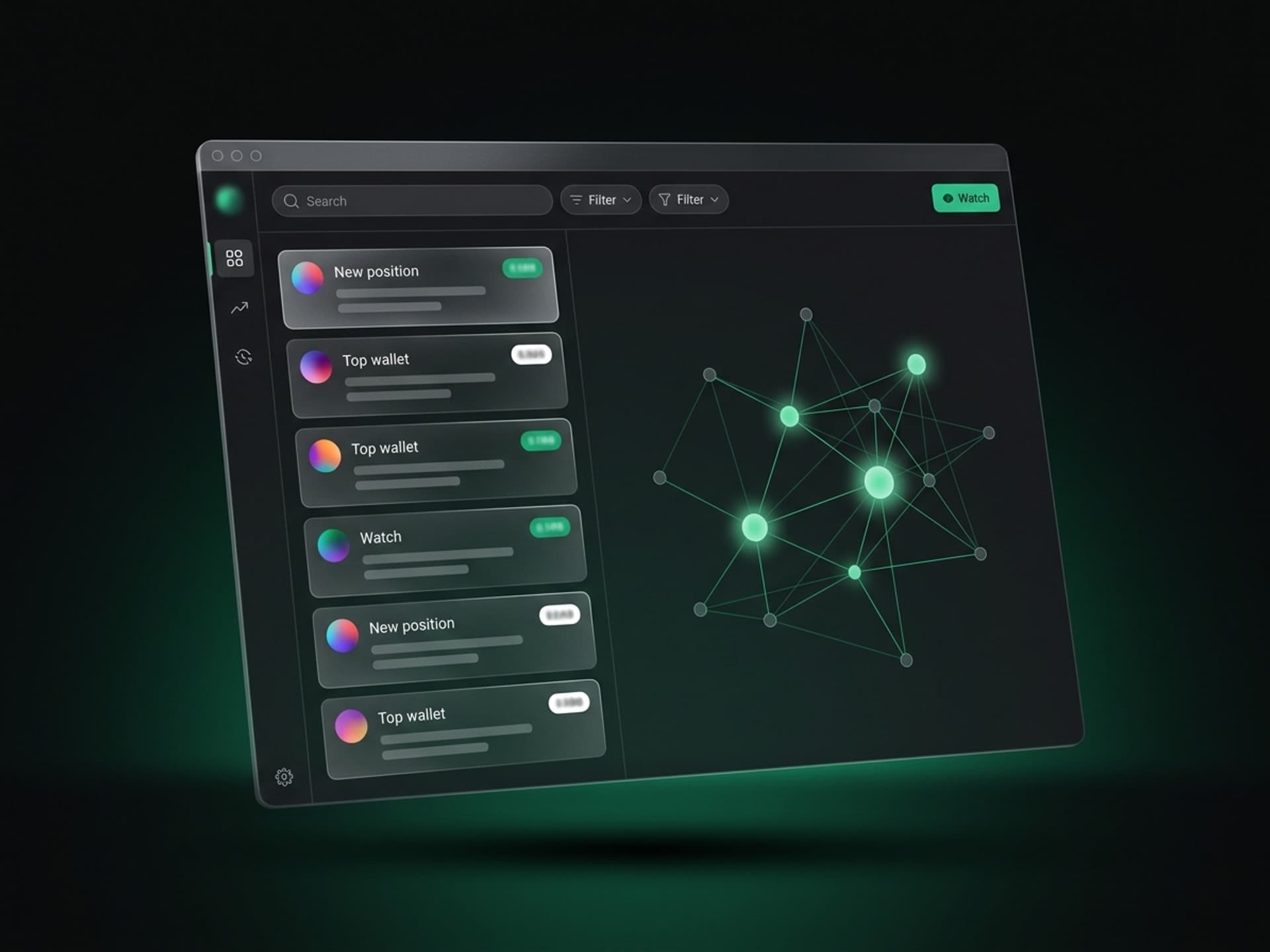
WinPolymarket is the layer that automates the last 30%. We score every active wallet, surface the high-score ones, and ping you when one of them enters a market.
Claim your spot for pre-beta access →
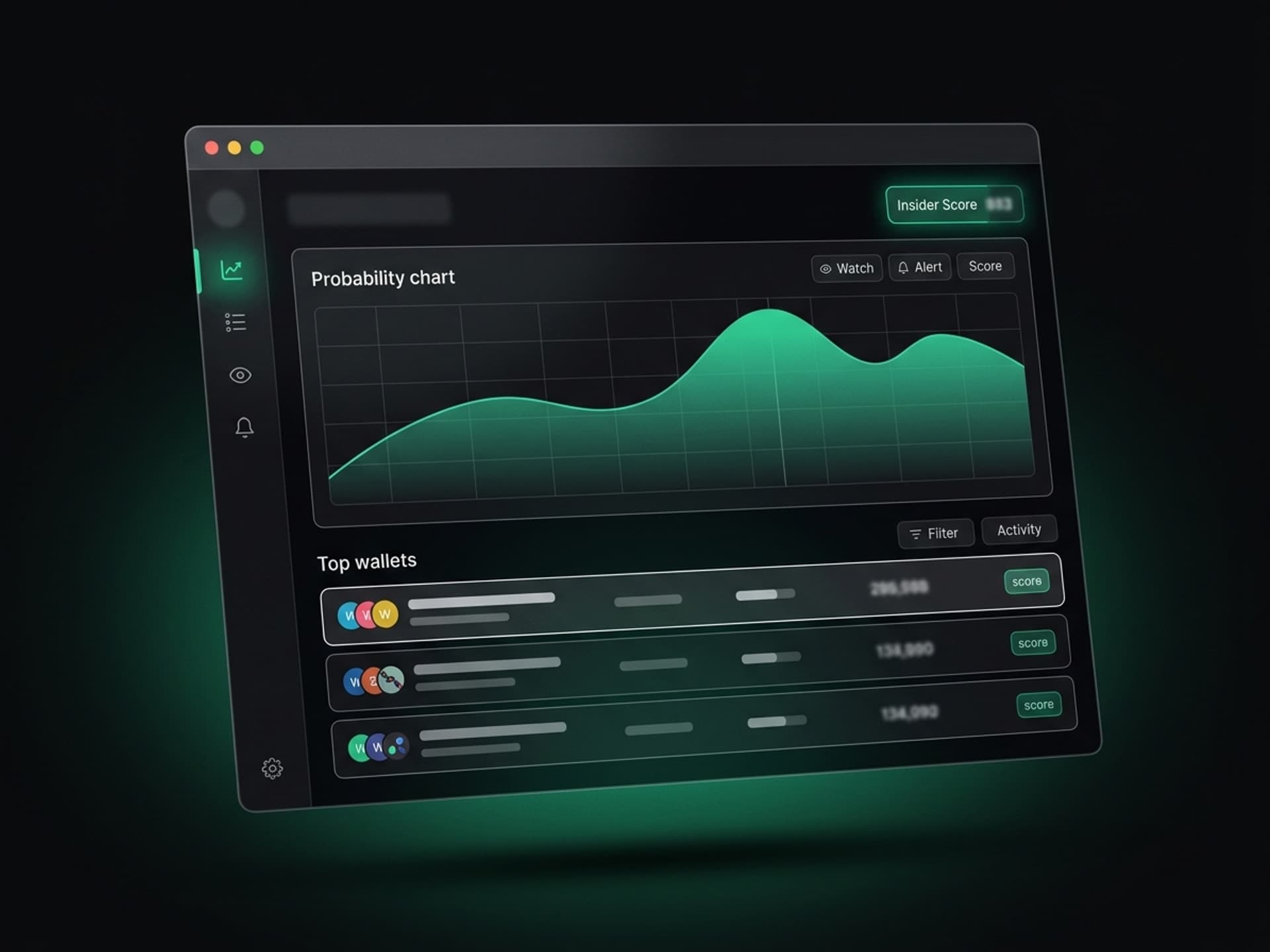
Pre-beta opens July 2026 with a 5,000-player cap. Insider Scores per wallet, real-time alerts, public profile pages for every active trader.
Follow Polymarket smart money before the public.
Real Example: How the Free Method Would Have Caught the Iran Trade
Walk through the canonical Iran strike trade using the 60-second method:
- Open the market. Geopolitical market on a strike-related outcome, sub-30% probability, $400K open interest.
- Recent trades. A $1.2M trade appears, dwarfing every other trade by 10x.
- Whale threshold. $1.2M = mega-whale, always investigate.
- Click the wallet. Wallet has zero prior history. Created same day, funded same hour.
- Apply context filter. Fresh wallet (yes) + obscure market (yes) + large size (yes) = three positive signals.
- Check for cluster. No other whales joined. Single-wallet pattern.
In 60 seconds, a manual run of the method would have surfaced one of the most-discussed Polymarket trades of 2024. Hours before the news broke. The data was there for anyone watching.
Common Mistakes When Manual Whale-Spotting
Three patterns trip up casual whale-followers.
1. Chasing whales after the news has dropped
The Iran trade was actionable in the first hour the position opened. By the time the news cycle caught up, the wallet was exiting. Latency matters. Manual workflow is too slow for fast-moving geopolitical or sports markets.
2. Following without context
A whale entering a market with poor cumulative P&L is not a signal. Always check the wallet's track record before piling in.
3. Confusing market-makers with directional bettors
Some wallets carry $100K+ positions across many markets simultaneously — they're providing liquidity, not making directional calls. Their trade activity isn't actionable for followers. Filter them out by looking for net positive directional P&L, not total trade count.
The Tools You Need (All Free)
- polymarket.com (nofollow) — the native UI, includes user pages and trade history
- polygonscan.com (nofollow) — block explorer for verifying wallet history beyond what Polymarket shows
- A spreadsheet or notes app — to log wallet identifiers and patterns you want to follow over time
- Patience — the manual method gets old fast
That's it. No paid analytics tools needed for the basics. The constraint is time, not access.
What to Do When You Spot a High-Signal Whale
Once you've identified a whale with positive context, three reasonable responses:
- Don't chase the same market right away. The whale already moved the price. Buying after the move is buying the news.
- Add the wallet to your watchlist. Track what they do next across other markets. Patterns repeat.
- Bet alongside them on the next entry, smaller. When the wallet opens a new position, you can match the direction with 5-10% the size and your own stop loss.
Never bet your full bankroll because a whale did. Even sharps lose individual markets. Follow the pattern, not the single trade.
Frequently Asked Questions
What's the smallest "whale" trade size on Polymarket?
For most markets, $50K is a useful working threshold for "interesting" whale activity. For thinly-traded markets (under $200K OI), even $10K can be a price-moving whale trade. The right threshold depends on market depth. WinPolymarket's Insider Score adjusts the threshold automatically based on open interest.
How fast do real whales exit a position?
Depends on the trader. Information-based trades (like the Iran example) exit within hours of news. Long-term thesis trades (like Trump 2024) hold for weeks. The exit pattern is itself signal — fast exits suggest the trader knows the catalyst, slow exits suggest a probability thesis.
Can I see a whale's full P&L on Polymarket?
Native Polymarket user pages show partial history. For full reconstruction, you'd use Polygon block explorers and aggregate every trade by wallet manually — possible but tedious. WinPolymarket presents full P&L curves per wallet automatically once pre-beta launches. Claim your spot for the launch alert.
What's the difference between WinPolymarket and Polywhaler?
Polywhaler alerts on trade size — useful but noisy. WinPolymarket alerts on Insider Score, which combines size + wallet history + market context + timing. The practical difference: Polywhaler pings you 50 times a day, most noise. WinPolymarket pings you 2-5 times a day, all signal. See Nansen vs WinPolymarket for tool-by-tool comparison.
Should I follow every whale I find?
No. Build a curated watchlist of 5-10 wallets with proven multi-category P&L. Following everyone with $10K+ trades is noise. Following 5 verified sharps across their full trading is signal. Quality over quantity.
Can a whale see that I'm following them?
Not directly — your watchlist is private. But if you place a large bet within minutes of a whale's entry, you'll show up in the trade history on that specific market and they can infer the follow. This is one reason WinPolymarket lets you follow wallets without revealing your own — you get the alert, you trade at your own pace and size.
What if I spot a fresh-wallet whale like the Iran trade?
The fresh-wallet + obscure-market + large-size pattern is the highest-signal whale archetype. Document it, watch the market, decide whether to take a small follow position with your own stops. Realize that fresh wallets are often single-event vehicles — the wallet may go dormant after the trade. The actionable lesson is the pattern for future markets, not the specific wallet. Claim your spot to get our pattern alerts in real time.
The Bottom Line
The free 60-second method catches most actionable whale activity. The bottleneck is doing it consistently across 70+ active markets at once — that's where WinPolymarket's automation closes the gap.
For now, run the manual method on the markets you actually trade. Build a 5-10 wallet watchlist. Track patterns across weeks. Layer the WinPolymarket Insider Score on top when pre-beta opens in July 2026.
Claim your spot for pre-beta access →
WinPolymarket is independent and not affiliated with, endorsed by, or sponsored by Polymarket Holdings PBC. All trademarks belong to their respective owners.
Want in early? Claim your spot on winpolymarket.com →